
Choose or create a Space.
Start with Work or Personal, or use “+ New” in the sidebar to create a Space of your own. Give it a name you will recognize next week.
Spaces
Keep related tabs and apps together in Spaces. Create one for work, a course, your next trip, or whatever you’re exploring.
Set up your first Space ↓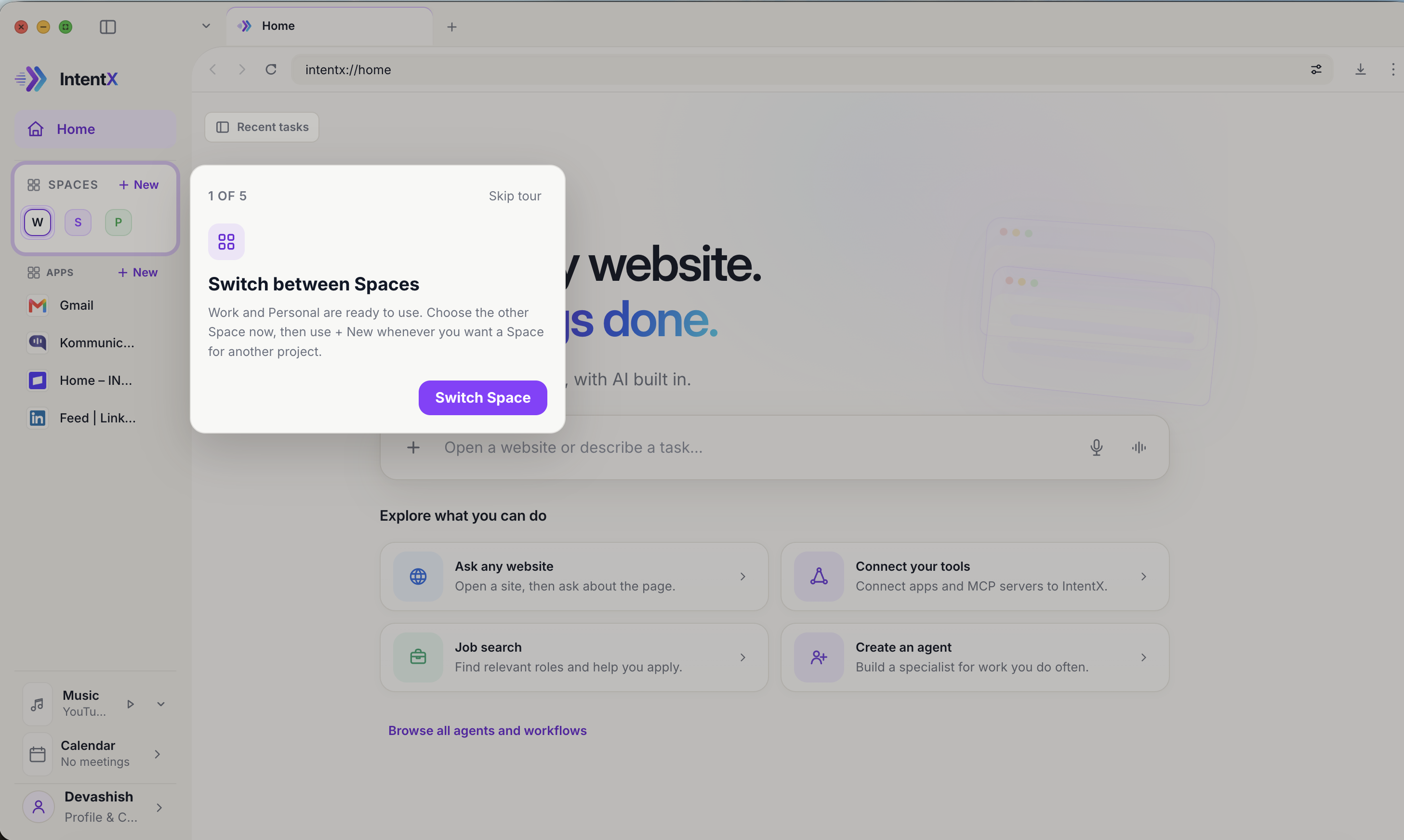
Start with one Space
You do not need to sort every tab today. Choose a few related pages you want to keep together and start there.
Start with Work or Personal, or use “+ New” in the sidebar to create a Space of your own. Give it a name you will recognize next week.
Keep related tabs together. A trip might need flights, places to stay, and things to do. Unrelated browsing can live in another Space.
Use the Space controls to switch between work, learning, or personal browsing. Return to the pages you need without searching through one mixed strip of tabs.
Spaces group your tabs and apps. They do not automatically give AI access to every page in a Space, and they are not a promise of separate website accounts.
To get help with a page, open Ask and describe what you need. Some tasks require an app connection. Supported external changes need your approval.
Understand access and connections ↗Try your first Space
Download IntentX and start with the pages you already use.
Download IntentX ↓